Ping / Network Latency
Before → After
Avg Ping42 ms19 ms
Network stack, DPC latency and jitter cleanup for a snappier, more consistent connection.
WaamTech Tweaks
Initializing performance profile
Optimize. Dominate. Win.
Turn laggy lobbies into clean frags — FPS, latency, and Windows tuned for Fortnite, Valorant, CS2 & more.
312
AVG FPS
+38%
1% LOWS
41%
CPU LOAD
68%
GPU LOAD
−22%
RAM IDLE
−12ms
INPUT
Experience the Difference
Before Optimization vs After WaamTech Tweaks
Before
Average FPS
32 ms
Unoptimized
Gaming Experience
After WaamTech
Average FPS
8 ms
Fully Optimized
Gaming Experience
Results may vary depending on hardware, drivers, game settings and system configuration.
Live Boost Pipeline
A unique performance flow — not a repeated hero photo. Metrics climb as Windows, clocks, and input paths get cleaned.
Before → After
Latency
−12ms
Scan
OS · drivers · clutter
Tune
CPU · GPU · RAM · BIOS
Stabilize
Temps · 1% lows
Boost
Ranked FPS profile
Full-System Optimization
Ping, overclocking, thermals and memory — every metric measured before and after the WaamTech tune.
Before → After
Network stack, DPC latency and jitter cleanup for a snappier, more consistent connection.
Before → After
Safe, stability-tested CPU & GPU overclocks pushed within your thermal headroom.
Before → After
Tuned fan curves and power limits keep temperatures lower during sustained sessions.
Before → After
XMP / EXPO profiles plus background cleanup free up usable memory for your games.
Results may vary depending on hardware, drivers, cooling, game settings and system configuration.
01 — Benefits
WaamTech Tweaks focuses on the metrics competitive players feel: frame consistency, input snap, and match-day reliability.
Frame pacing and background noise get cleaned so your average and 1% lows climb together—not just a flashy peak number.
OS, GPU, and peripheral paths are tuned for snappier clicks, flicks, and tracking under real match pressure.
Debloat, power, and BIOS profiles focused on consistency so your PC doesn’t choke mid-fight or mid-rotate.
Settings shaped around the titles you actually grind—competitive shooters first, not generic “gaming mode” presets.
02 — Performance Stats
*Average uplift varies by hardware, cooling, and title. We benchmark before and after every paid session.
Systems Tuned
Avg FPS Uplift*
Session Satisfaction
Titles Optimized
03 — Why Choose Us
WaamTech Tweaks is the competitive optimization arm of WaamTech Technologies—crafted for players who care about feel as much as FPS counters.
RGB Rig
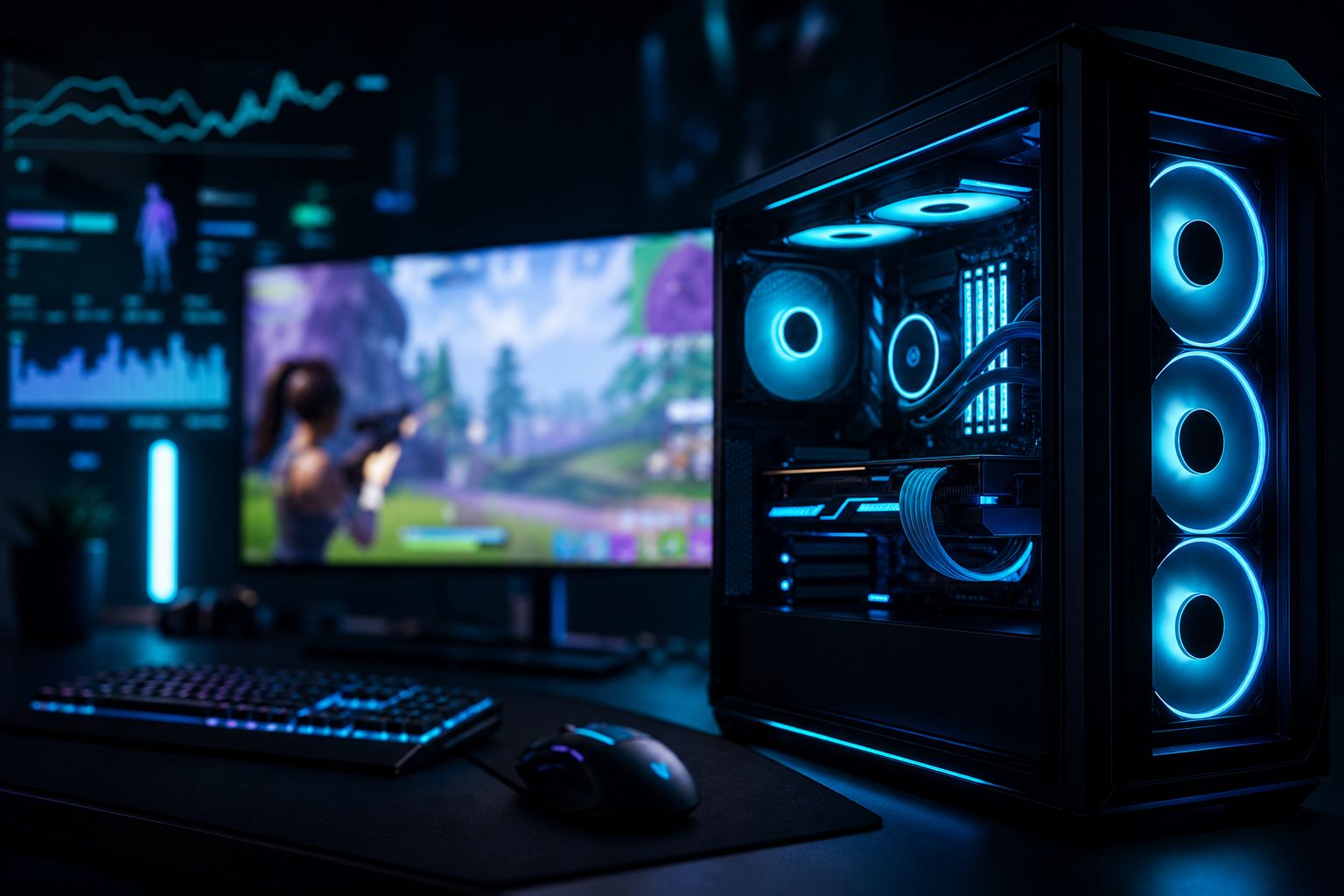
Tuned thermals
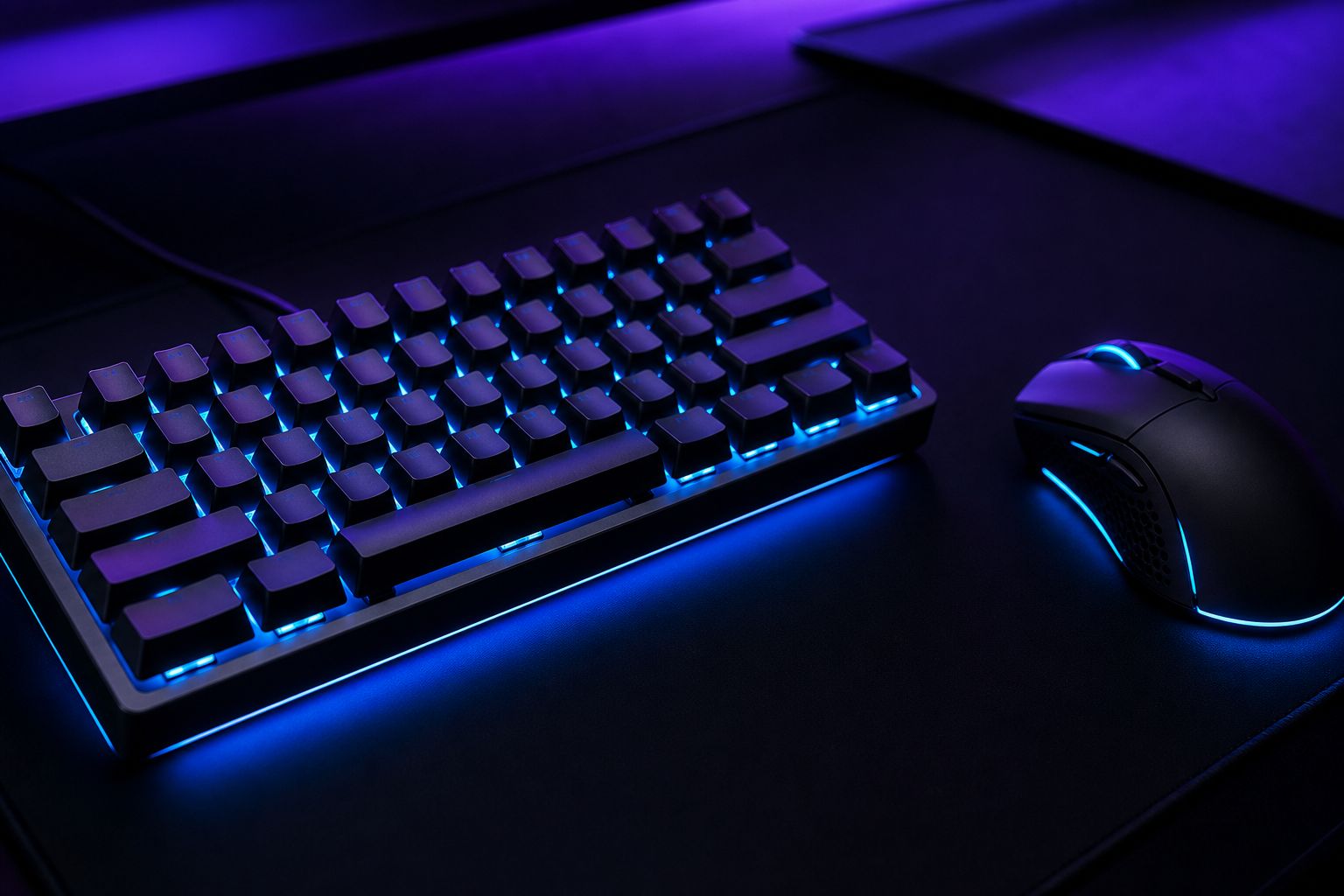
MKB Path
Latency first
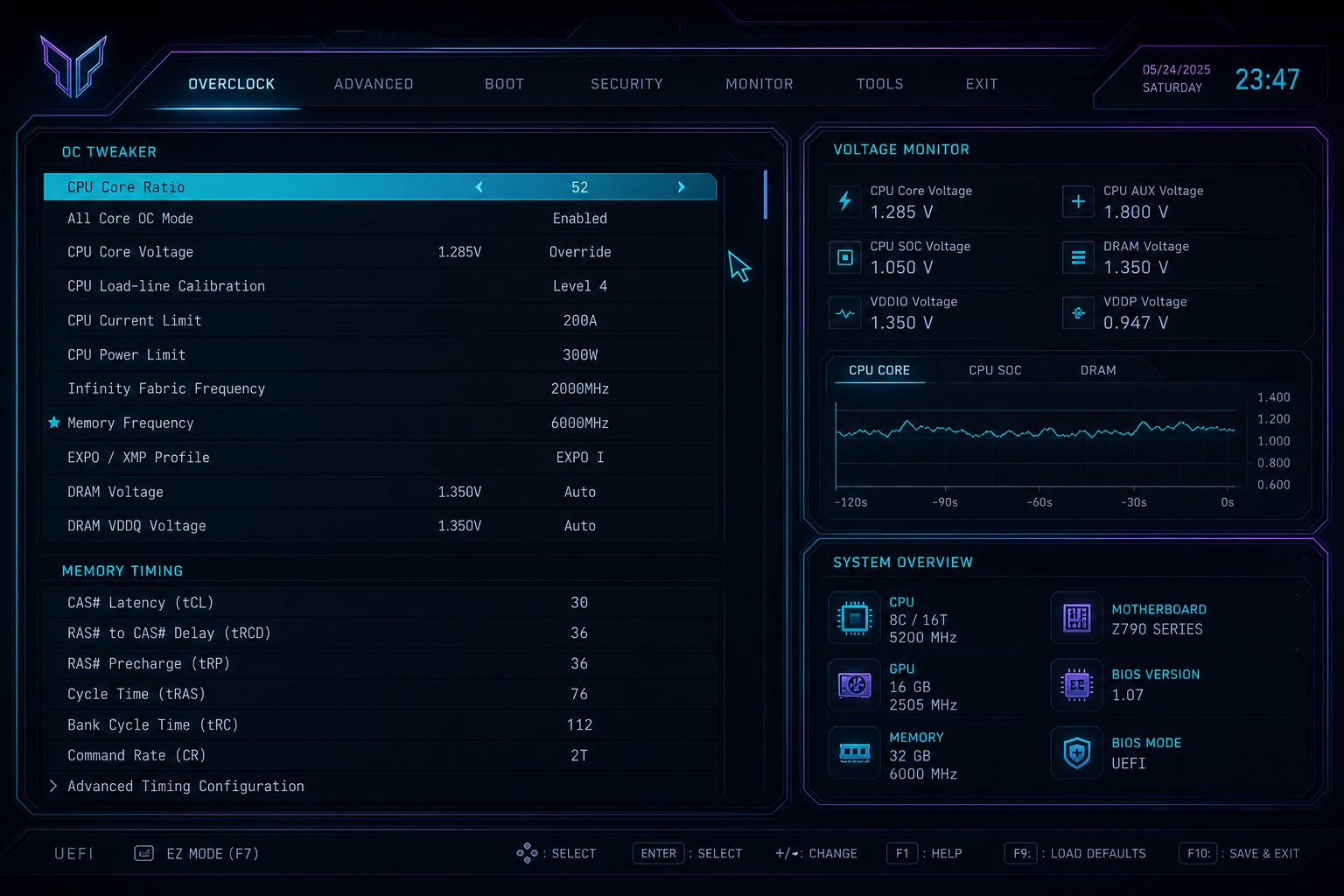
BIOS Layer
Hidden settings
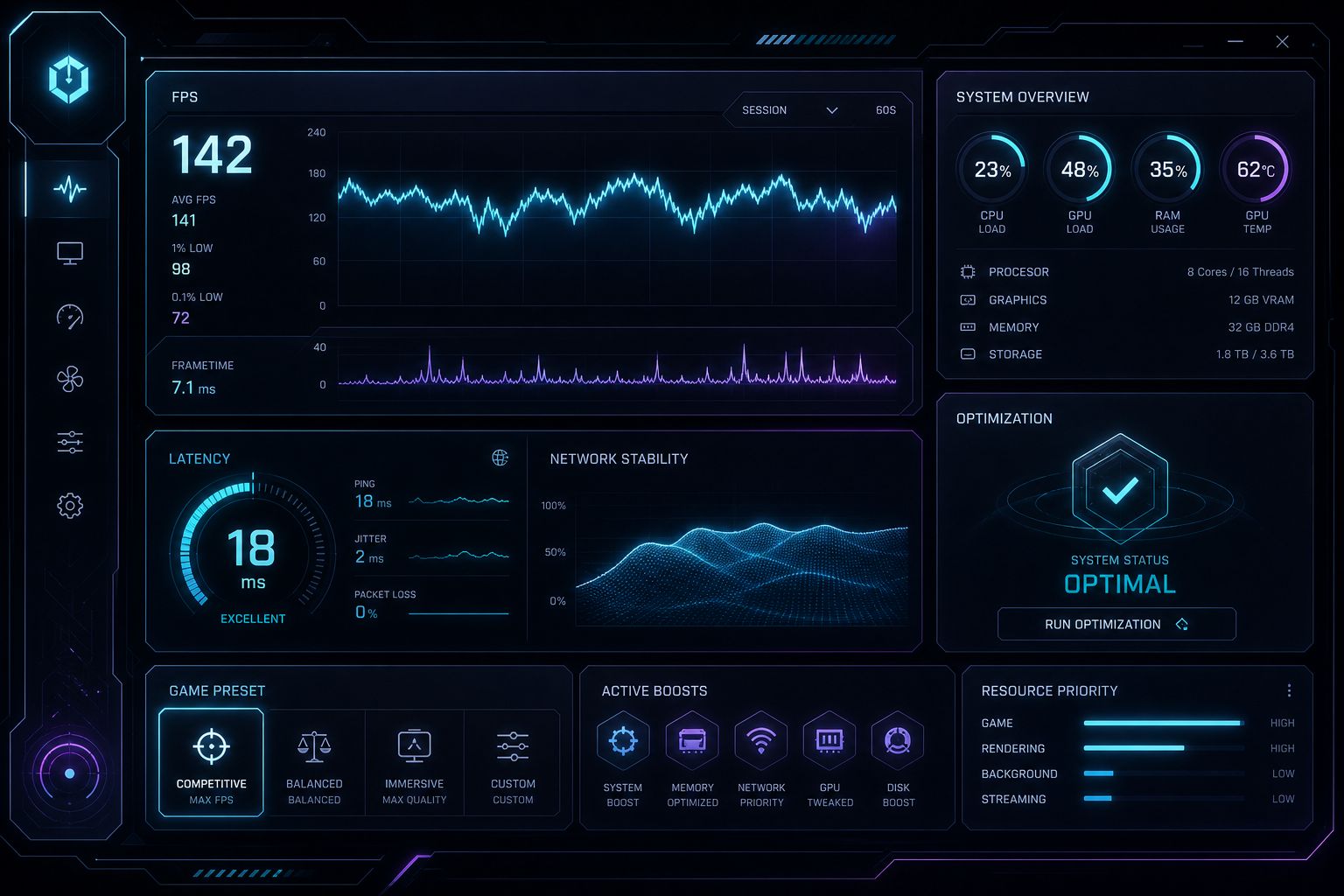
FPS Overlay
Before / after
Every session targets ranked play: latency, frame time, and input feel—not desktop vanity benchmarks.
Restore points, clear change logs, and honest limits. We won’t push unsafe clocks just to sell a package.
Watch the work happen in real time. Ask questions. Leave with a profile you understand and can maintain.
WaamTech Technologies backs the craft—no fake partner walls, no filler pages. Just performance delivery.
04 — Featured Packages
New Launch · discounted pricing live now
New Launch · Limited Discount
Estimated Time: 2–3 Hours
Everything in Essential PLUS
Ideal For Competitive Players
New Launch · Limited Discount
Estimated Time: 3–4 Hours
Everything in Pro PLUS
Ideal For Esports & Ranked Grinders
Ultimate Package
New Launch · Limited Discount
Estimated Time: 4–6 Hours
05 — How It Works
Pick Windows optimization, overclocking, or Extreme OC based on your goals and hardware headroom.
Send specs, main games, and pain points—stutters, input lag, thermal limits, or FPS caps.
We connect remotely over AnyDesk so you watch the tune happen live, then finish with benchmarks plus a clear performance profile.
That's it—your PC is fully optimized. Just launch your games and enjoy smoother, faster, boosted performance.
06 — Testimonials
Real session feedback from competitive players. More reviews and before/after results live in our Discord community.
Kai
@kaifrags
Pro Performance · Nov 2025
“My 1% lows were tanking every fight. After the Pro session the frame time graph finally looks clean and my peeks feel instant.”
+48 avg FPS · smoother 1% lows
Nova
@novazero
Essential Gaming Tune · Dec 2025
“I thought I needed a new GPU. WaamTech unlocked stability I didn’t know my PC had—builds and edits feel locked in.”
Stutter nearly eliminated
Rex
@rexcs2
Ultimate Gaming Package · Jan 2026
“Input felt sticky on my old profile. The Ultimate package plus mouse tuning made aim tracking feel sharper without changing my sens.”
Lower input latency
Mira
@mirawz
Pro Performance · Jan 2026
“Network and power plan changes alone made the game feel less rubber-bandy. Communication during the session was clear and pro.”
More consistent netcode feel
Ash
@ashapex
Extreme OC Package · Feb 2026
“Extreme OC was handled carefully—temps stayed in check and benchmarks proved the gains. Exactly what a competitive setup needs.”
Stable all-core OC
Leo
@leocod
Ultimate Gaming Package · Feb 2026
“Clean process, restore point first, then measurable FPS uplift. Feels like a launch-day PC again without buying new parts.”
+62 avg FPS
Zayn
@zaynfps
GPU Overclock · Mar 2026
“Core and memory clocks with a proper fan curve. Three weeks of ranked, zero crashes, and clearer average FPS in fights.”
Stable GPU OC
Rina
@rinamkb
Essential Gaming Tune · Mar 2026
“Not a monster PC — Essential still helped. MKB profile plus FPS work made edits feel snappier in endgame.”
Snappier edits · cleaner lows
Omar
@omarwz
RAM Overclock · Apr 2026
“XMP was on but timings were lazy. After the RAM session big-map hitching dropped hard. Staff sent notes in my ticket.”
Tighter frame times
Sami
@samics2
CPU Overclock · May 2026
“Safe voltage, stability tests, then DM sprays felt more consistent. Booking Ultimate next — this already paid for itself.”
Stable CPU OC · better 1% lows
Kai
@kaifrags
Pro Performance · Nov 2025
“My 1% lows were tanking every fight. After the Pro session the frame time graph finally looks clean and my peeks feel instant.”
+48 avg FPS · smoother 1% lows
Nova
@novazero
Essential Gaming Tune · Dec 2025
“I thought I needed a new GPU. WaamTech unlocked stability I didn’t know my PC had—builds and edits feel locked in.”
Stutter nearly eliminated
Rex
@rexcs2
Ultimate Gaming Package · Jan 2026
“Input felt sticky on my old profile. The Ultimate package plus mouse tuning made aim tracking feel sharper without changing my sens.”
Lower input latency
Mira
@mirawz
Pro Performance · Jan 2026
“Network and power plan changes alone made the game feel less rubber-bandy. Communication during the session was clear and pro.”
More consistent netcode feel
Ash
@ashapex
Extreme OC Package · Feb 2026
“Extreme OC was handled carefully—temps stayed in check and benchmarks proved the gains. Exactly what a competitive setup needs.”
Stable all-core OC
Leo
@leocod
Ultimate Gaming Package · Feb 2026
“Clean process, restore point first, then measurable FPS uplift. Feels like a launch-day PC again without buying new parts.”
+62 avg FPS
Zayn
@zaynfps
GPU Overclock · Mar 2026
“Core and memory clocks with a proper fan curve. Three weeks of ranked, zero crashes, and clearer average FPS in fights.”
Stable GPU OC
Rina
@rinamkb
Essential Gaming Tune · Mar 2026
“Not a monster PC — Essential still helped. MKB profile plus FPS work made edits feel snappier in endgame.”
Snappier edits · cleaner lows
Omar
@omarwz
RAM Overclock · Apr 2026
“XMP was on but timings were lazy. After the RAM session big-map hitching dropped hard. Staff sent notes in my ticket.”
Tighter frame times
Sami
@samics2
CPU Overclock · May 2026
“Safe voltage, stability tests, then DM sprays felt more consistent. Booking Ultimate next — this already paid for itself.”
Stable CPU OC · better 1% lows
FAQ
Next queue. Cleaner frames.
Book a WaamTech Tweaks session and get a competitive performance profile engineered by WaamTech Technologies.